Google Business Profile: How to Show Up on Your Local Map
How to set up your Google Business Profile, what to fill in so people find you, and the mistakes that keep your business off the map entirely.
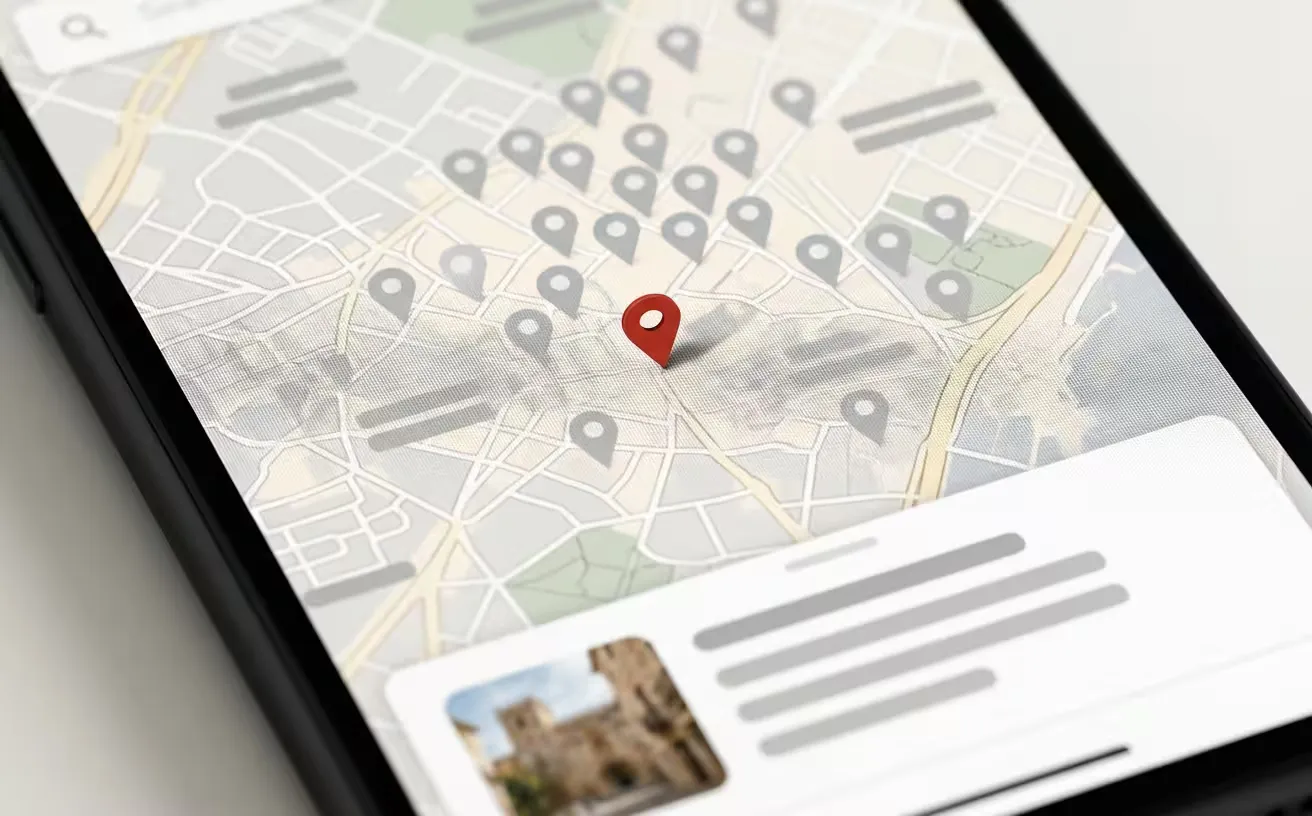
If you run a business with customers in your area, there is one thing that pays off more than anything you do on your own website: your Google Business Profile. It is that box that appears on the right when you search for a business by name, and the pins that show up on the map when someone searches “plumber near me”.
It is free, it takes a while to set up, and an enormous number of businesses leave theirs abandoned. That is an easy advantage sitting there.
Why it matters more than your website for local search
When someone searches for a service in their city, Google shows a map with three businesses before the normal results. That block takes a huge share of the clicks, and you do not get in there by having a pretty website: you get in by having your profile set up properly.
On top of that, people call or ask for directions straight from the profile, without ever landing on your site. For a local business, that is pure contact.
How to register
The process is simpler than it looks:
- Search for your business on Google. A profile may already exist, created automatically — in which case you claim it rather than create it.
- If it does not exist, you create it from Google Business Profile with a Google account.
- You verify that the business is yours. This is where people get stuck. Google asks for proof, which depending on the case can be a postcard to your address, a phone call, an email, or a video showing the premises and your paperwork. Timescales vary and sometimes you have to persist.
- Once verified, you fill everything in.
Step 3 is where most people give up. It is worth sticking with, because without verification you do not appear at all.
What to fill in, and how
The primary category, carefully. It carries the most weight in deciding which searches you show up for. Pick the one that describes exactly what you do, not the most generic one. You can add secondary categories, but the primary one rules.
The name, exactly as it is. The temptation to write “Pérez Plumbing – Cheap 24h Plumbers in Valencia” is enormous, and it is a bad idea. It breaks Google’s rules and you risk having the profile suspended. Use the real name.
Address or service area. If customers come to your premises, put the address in. If you travel to the customer, set a service area instead of an address. Mixing these two up is one of the most common mistakes.
Opening hours, kept up to date. Bank holidays included. A customer who turns up at your door and finds it shut because the hours were wrong is a lost customer and a one-star review.
Real photos. Of the premises, the team, the finished work. Not stock images: they are obvious from a mile off and they convey nothing.
Services and descriptions. Fill in the services list using the words your customers use, not industry jargon.
Reviews
This is the hardest factor and the one that makes the most difference. Three things that work:
- Ask for them. That is it. When you finish a job well, ask the customer to say so. Most people will if you ask and make the link easy.
- Reply to all of them. Including the bad ones — especially the bad ones. A polite reply to a one-star review convinces the person reading it more than ten five-star reviews do.
- Never buy them. Google detects it and the penalty is not worth it.
The mistakes that keep you off the map
- Different details in different places. If your address or phone number is written differently on your profile, on your website and in other directories, Google hesitates. Make them identical everywhere.
- Duplicate profiles. This happens a lot when someone creates a new one without realising there was already one. They need to be merged.
- Filling it in and never coming back. A profile with no activity for months performs worse. Posting something now and then helps.
- Not linking to your website. It sounds obvious, and it gets forgotten.
How this connects to your website
The profile and the website reinforce each other. Google cross-checks what you say in one against the other, and when they match it trusts you more. That is why your address and phone number should be on your website with the right structured data markup — which is part of technical SEO.
If you have several locations, each one needs its own profile and, on the website, its own page. A single contact page with five addresses stacked on it ranks for none of them.
Start here
If tomorrow you can only do one thing for your business online, make it claiming and completing your profile. It costs an afternoon and it costs no money.
Once you have it, let us talk about the website. Write to us and we will take a look at where yours stands, or see what we include in every project.